Best fit
Where Explore dashcam fits best
Explore dashcam CD-261 gives fleet teams a practical way to connect video, GPS tracking, driver behaviour and alert review in Hawk.
 1300 767 492
GPS plus dashcam
A practical choice for small business, service fleets and light commercial vehicles that need live location, trip history, video evidence and driver coaching without moving straight to a larger multi-camera system.
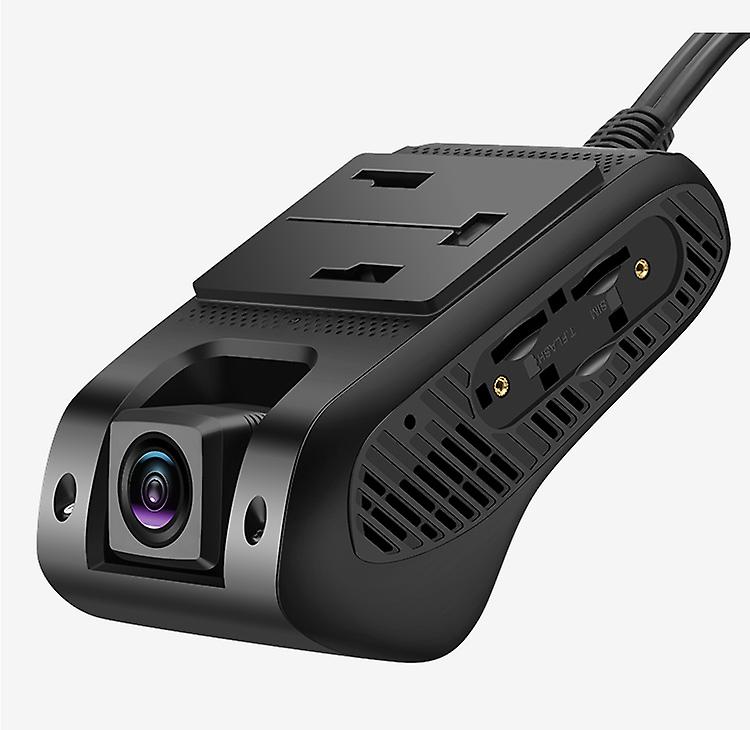
Best fit
Explore dashcam CD-261 gives fleet teams a practical way to connect video, GPS tracking, driver behaviour and alert review in Hawk.
Feature set
Review the practical capabilities that connect this dashcam to vehicle safety, event evidence and Hawk reporting.
Specifications
Use these headline specifications to compare camera capacity, storage, connectivity and installation requirements before choosing the right IntelliTrac video telematics option.
Use cases
Match the camera option to the operational outcome, not just the device shape.
Use one device for location, video evidence, alerts and driver behaviour visibility.
Review trips, alert history and video clips when the office needs clearer job or incident context.
Use recorded road footage and event data to support safety conversations and insurance discussions.
Add GPS video telematics without moving straight to a larger multi-camera recorder.
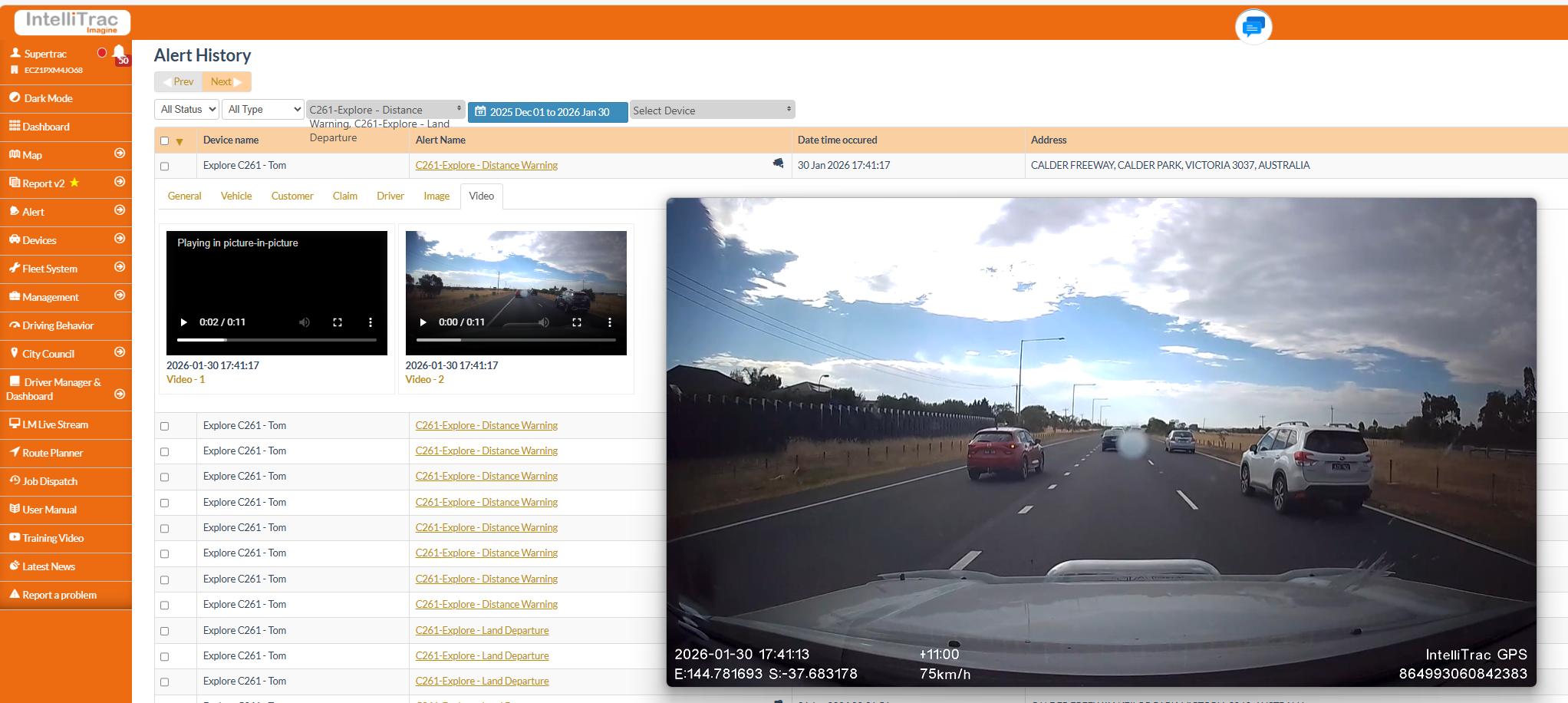
Compare
Continue comparing the dashcam range and the wider IntelliTrac video telematics solution.
FAQ
Short answers for teams comparing dashcam GPS tracking, AI safety alerts and video evidence workflows.
Yes. Explore combines GPS tracking and dashcam visibility in one device, so teams can review location, trips, video and events together.
Explore includes a 1080p front camera and can support one additional 720p camera for driver, cabin, rear-facing or external views.
Yes. Explore supports driver behaviour reporting, harsh acceleration, harsh braking, rollover and video-linked safety event review.
Yes. Explore can work with Hawk reporting features such as live tracking, journey replay, geofences, alerts, driver behaviour and scheduled reports.
Explore is well suited to small business, service fleets, vans, utes and light commercial vehicles that need GPS tracking and video evidence in one package.